Most businesses don't think about their infrastructure until something goes wrong. The internet goes down and nobody can take a payment. A member of staff leaves and it turns out the files everyone needed were sitting only on their laptop. The office WiFi drops out during a video call for the third time this week. Or a business reaches a point where it needs to run software locally — for performance, for legal reasons, or because a cloud provider simply can't do what's needed — and the current setup wasn't built for that.
These are the moments when the question shifts from "is what we have good enough?" to "what would good actually look like?"
What This Actually Covers
Hardware infrastructure is the physical layer of your business technology — the equipment that sits in your office, your server room, or your comms cabinet, and the way it's all connected together.
The network side covers how devices talk to each other and to the outside world. A router is the device that connects your office to the internet — most people have one at home too. A switch is what allows multiple devices in the same building to connect to each other at high speed. Access points provide WiFi coverage. A well-designed network considers where the signal needs to reach, how much traffic it needs to carry, and what happens when something fails. A business network also often includes a VPN — a secure, encrypted connection that lets remote staff access office systems as if they were sitting at their desk.
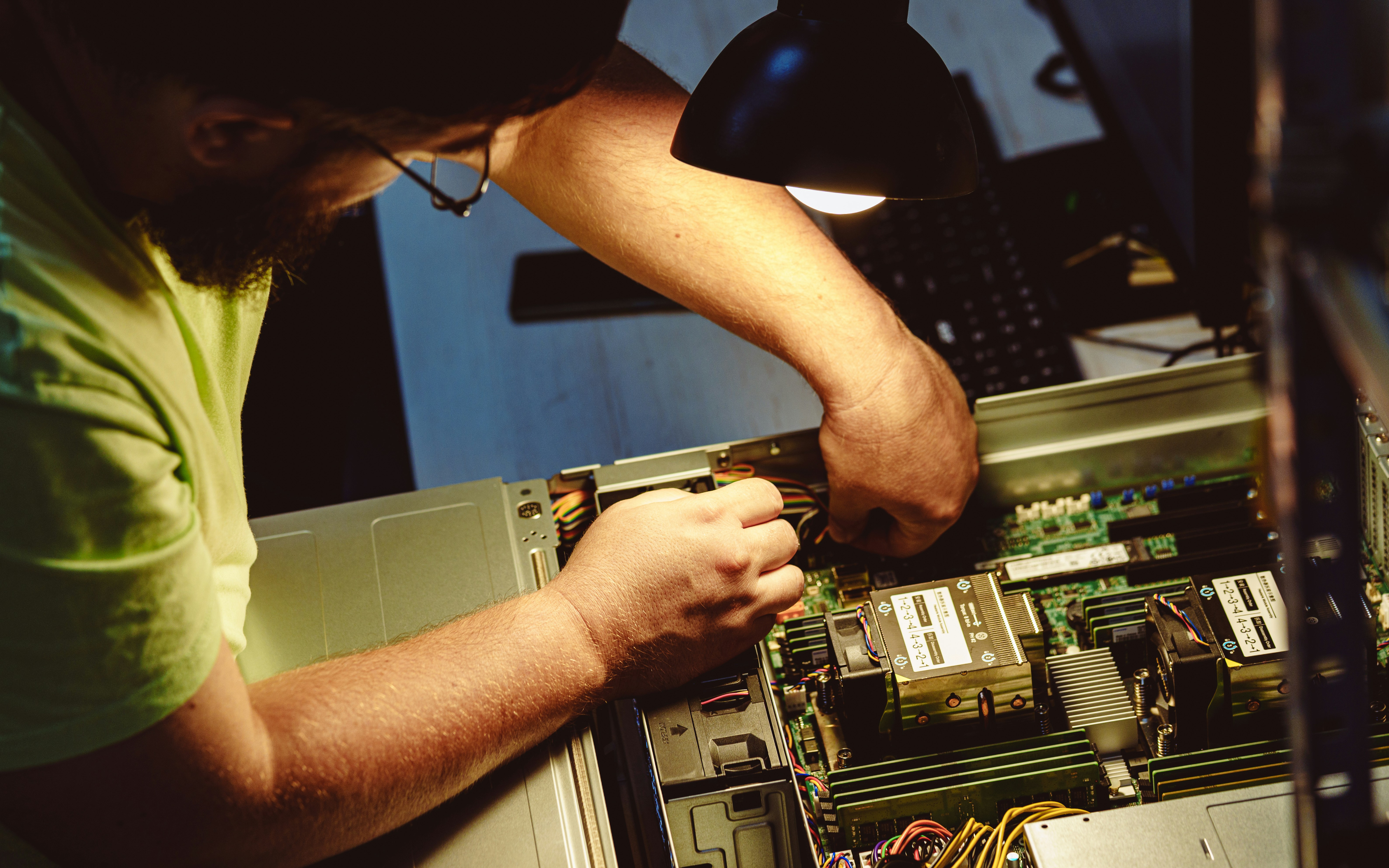
Servers are different. A server is just a computer — but one that's designed to run continuously, handle requests from multiple users at once, and store data reliably. What it does depends on what you need. A file server stores documents centrally so anyone in the office can reach them. A database server holds the data that powers your business software. Some businesses use servers for processing-heavy work — analysing large datasets, rendering files, or running software that cloud services can't handle.
Network and servers connect in the obvious way: the network carries the traffic, and the server handles the requests that travel across it. Both need to be designed with the other in mind.
Who Needs This
The case for owning and managing your own infrastructure is clearest in a few specific situations.
Some businesses handle data that cannot legally or contractually leave their premises. Healthcare providers, legal firms, financial advisers, and businesses with enterprise contracts often operate under obligations that restrict where data can be stored. Cloud services — even reputable, well-secured ones — mean your data sitting on someone else's hardware in a data centre somewhere. If your obligations or your clients' expectations require you to control exactly where data lives, that rules out a lot of cloud options.
Other businesses need local performance that cloud services can't reliably deliver. A design studio processing large video files, a manufacturer running software that controls physical equipment, or a business with a high-speed internal workflow that would crawl if it were routed through an internet connection — these are cases where having processing power on-site makes a material difference to how work gets done.
And some businesses have simply grown past what consumer-grade equipment was built for. The router you buy in a high street electronics shop is designed for a house. It can handle a handful of devices doing light browsing. Ask it to manage forty people, video conferencing, and a shared file system simultaneously, and you will feel it. Business-grade equipment is built differently — for continuous load, for reliability, for management by an IT team.
When You Don't Need It
Honestly, many small businesses don't need any of this.
If your team uses cloud software — accounting tools, CRM systems, project management platforms, email — and the data those tools hold doesn't need to live on-site, then a decent business broadband connection and a reasonable WiFi setup is probably all you need. Cloud providers handle the servers. You pay a subscription and they deal with the maintenance, the backups, and the security updates.
The economics of owning infrastructure only make sense when the alternative doesn't work. A server requires upfront investment, physical space, cooling, power, and ongoing maintenance. When a cloud service does what you need at a fraction of that cost and complexity, ownership isn't a virtue — it's just overhead.
The honest test is whether you have a specific, concrete reason why cloud services won't do. If you can't point to one, you probably don't need this.
Let's Talk
If you're not sure which side of that line your business falls on, that's a reasonable place to start. We can look at what you're running, what your obligations are, and where the current setup is causing friction — and give you a straight answer about whether any of this applies to you.