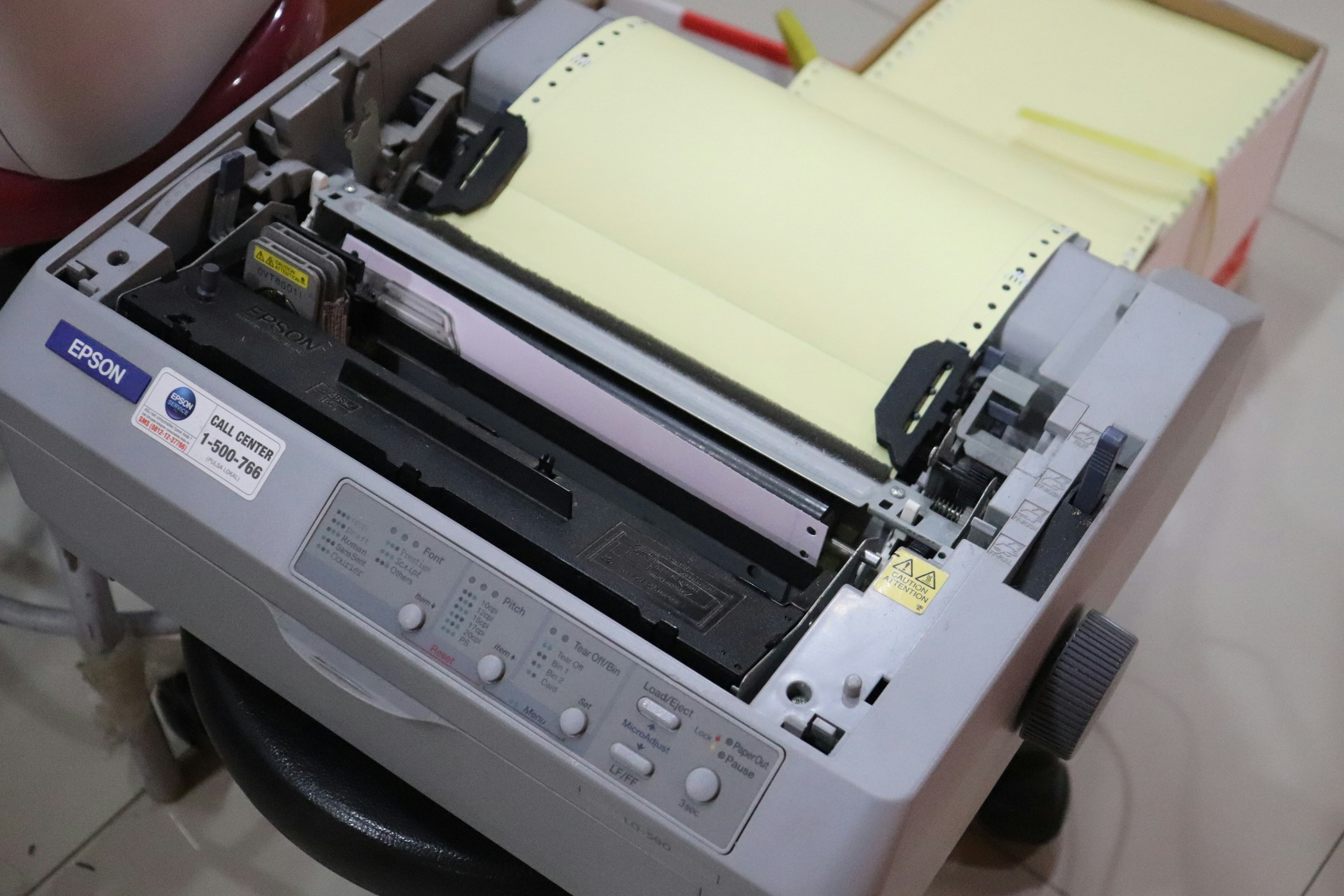
Today, with the rise of local AI, we can automate and elevate business document processing to a level that would have seemed almost magical not so long ago. Documents can be understood, classified, and integrated into workflows in near real-time.
But to appreciate how far we've come, it's worth looking back — because not that long ago, "document processing" meant something very different.
The Paper Era
Around 2002 or 2003, I was working as an IT Manager for a manufacturing company with a busy service division.
Our service technicians spent their weeks on the road, driving from customer to customer in their (always slightly overworked) white vans. They performed maintenance, repairs, and inspections, and by the end of the week — typically returning on a Saturday or Monday — they brought back what was, in effect, their "data payload":
A stack of paper.
Each sheet documented jobs completed, hours worked, parts used, and customer signatures. Perfectly reasonable… except that every single piece of business-critical information existed only on paper.
Every month, the service manager faced a familiar challenge: manually entering all of this data into the ERP system and maintaining a large spreadsheet to track performance, hours, and overtime eligibility.
It was slow. It was repetitive. And if you needed to verify anything, you had to go hunting through filing cabinets.
The First Attempt at Digital Transformation
At some point, we asked a simple question:
How is it that we are running midrange UNIX systems, connected over frame relay to a central RS/6000 server… and our most important operational data is trapped on paper?
So we started a document processing project.
This was long before AI, OCR pipelines, or cloud APIs. The goal was modest by today's standards — but at the time, it felt revolutionary.
We introduced a device from HP called the Digital Sender (if memory serves, the 9100c model). It could scan multi-page documents and output them as PDF or TIFF files. From there, it could send them via SMTP to an email inbox or upload them directly to a server via FTP.
Email was popular — but FTP was the real breakthrough.
We configured a server (UNIX, of course) with FTP and NFS shares. The scanned documents were stored centrally and picked up by nightly batch jobs. From there, they were linked into the ERP system, allowing users to retrieve and view the original documents directly on screen.
For the first time, accountants no longer had to dig through filing cabinets — they could simply click and view.
Progress.
The "Human Integration Layer"
We went one step further. The ERP system could export structured data into CSV files, which could then be opened in Excel to generate service reports far more efficiently.
On paper (ironically), the process was now streamlined:
- Scan documents
- Store centrally
- Process automatically
- Export structured data
- Analyse in Excel
What could go wrong?
The Unexpected Bottleneck
Despite all this, the service manager was still spending entire weekends doing the monthly reporting.
From a technical standpoint, the task should have taken one or two hours at most.
So I took a closer look.
It turned out the CSV export was indeed being used… but not quite as intended. Instead of importing it into Excel, it was being printed out — then manually re-entered line by line.
At least the handwriting was easier to read this time.
So I introduced the concept of importing CSV files directly into Excel. Problem solved, I thought.
But the process still took far too long.
Another investigation revealed the final piece of the puzzle: all calculations in Excel were being done manually — with a calculator.
No formulas. No automation. Just numbers and determination.
The Breakthrough
Once I demonstrated how to use formulas — and, crucially, how to copy them using that small square in the bottom corner of a cell — it was a genuine moment of transformation.
You could almost see the paradigm shift happening in real time.
Eventually, the new way of working was adopted. The process that once took an entire weekend (and sometimes more) was reduced to a fraction of the time.
From Then to Now
Looking back, that project was an early step into document processing. There was no AI, no machine learning — just scanners, batch jobs, and a lot of careful thinking about workflows.
Today, we've moved far beyond simply digitising documents. With local AI, we can now understand them, extract meaning, validate data, and integrate directly into business processes — automatically and intelligently.
But one lesson has remained constant:
Technology can transform a process — but only when people are enabled to use it effectively.